 Data 360 Inspector
Free Chrome extension for Salesforce Data 360 (formerly Data Cloud)
Answer Data 360 questions in one tab, or right on the Salesforce page.
Data 360 Inspector shows a person across identity resolution, a segment's rules in plain words, where every field comes from, and what breaks if you change it. It signs in with the Salesforce session you already have, and it only reads unless you turn an action on.
Video coming soon.
One tab instead of several Setup pages
The questions you ask every day, such as where a field gets its data, why a person is not in a segment and which rule merged two records, each live on a different Setup page. The Inspector puts the answer on one page, with the SQL behind it.
On the page you are already on
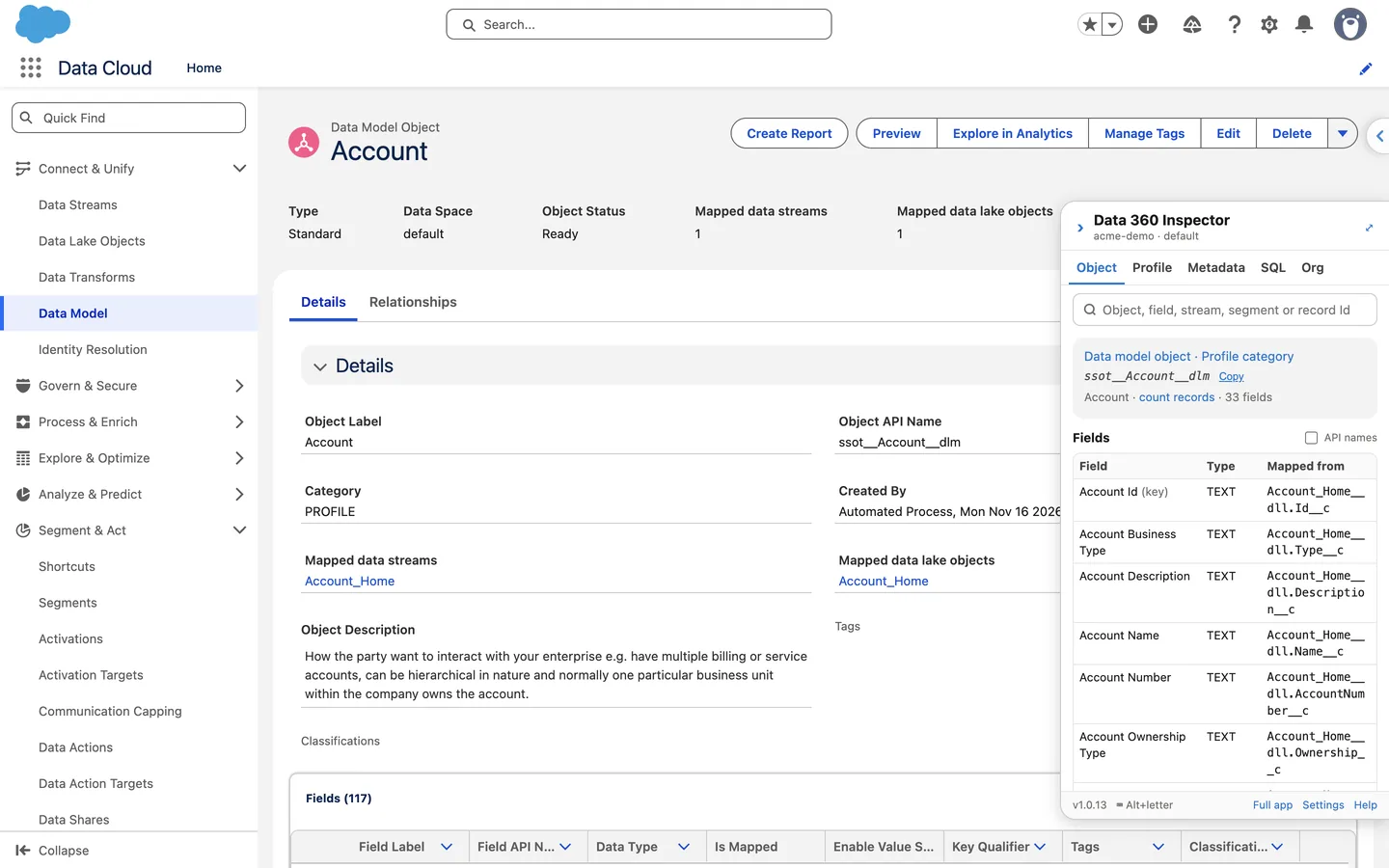
A small tab on every Lightning and Setup page opens a compact panel about that page: a data model object's fields and mappings, a segment's members, a data stream's last run, and everything upstream and downstream of it.
Your data stays with you
The extension calls only your own Salesforce org. It has no server for your data, no analytics and no tracking. Administrators can limit it to their orgs and switch features off by policy.
Features
Each feature has its own page, taken from the article series about the extension, with screenshots from a developer org that holds sample data only.
Start here
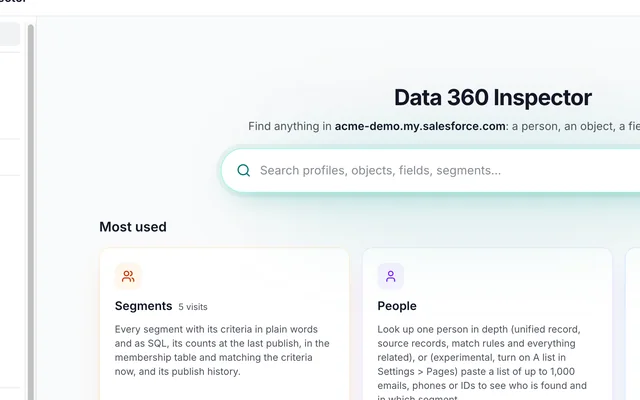 Getting startedSign in with the Salesforce session you already have, then a tour: Home, search, the connection menu and data spaces.
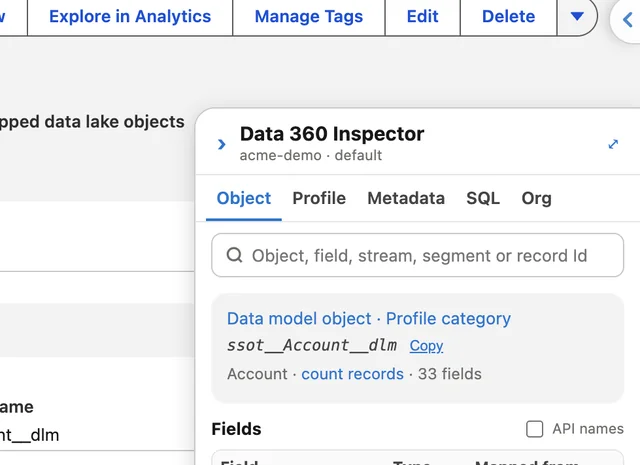 Pullout panelA small Data 360 Inspector beside any Salesforce page, with search, profile lookup and a SQL editor.
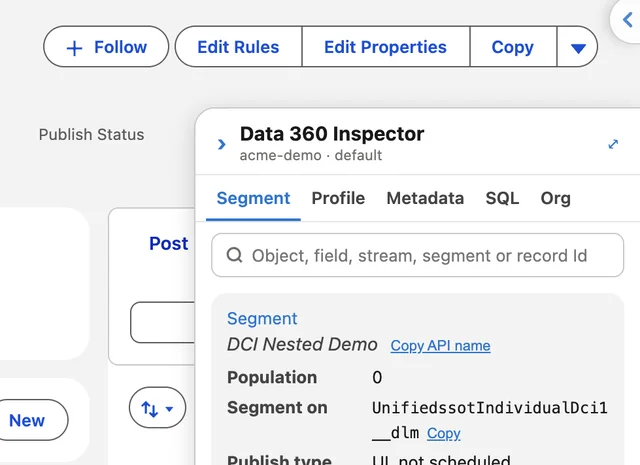 Panel cardsOne card per kind of Data 360 page, with what it depends on and what depends on it.
Query and explore
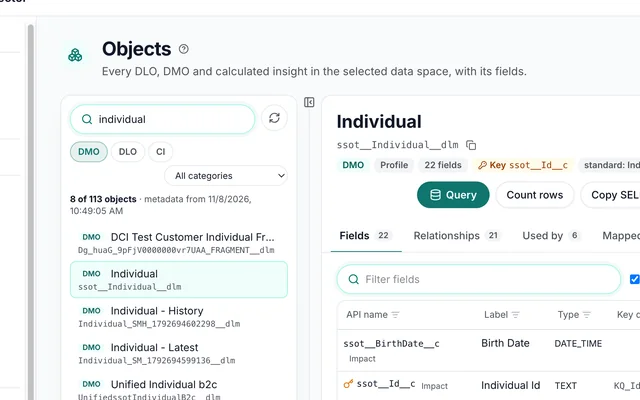 ObjectsEvery data lake object, data model object and calculated insight, with fields, keys, relationships and where each field is used.
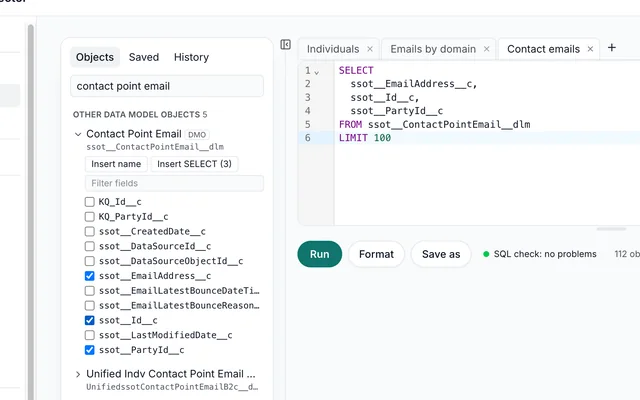 SQLData 360 SQL with tabs, autocomplete, saved queries, history and downloads.
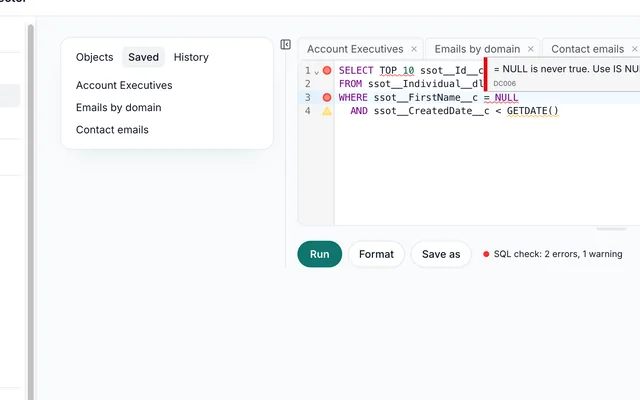 SQL checkAdvice on Data 360 SQL as you type, with fixes.
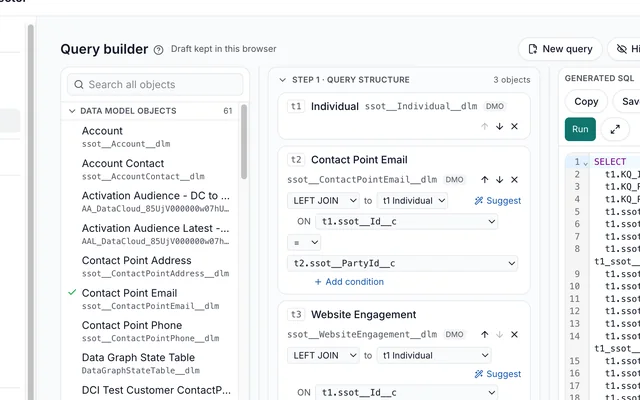 Query builderJoins suggested from relationships, fields and filters, as a list or a diagram.
People and identity
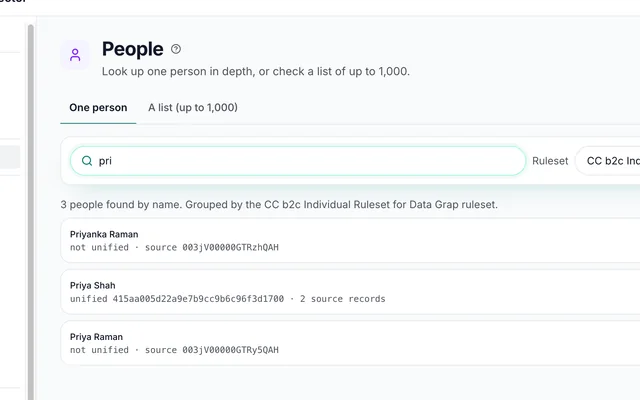 PeopleOne person across identity resolution: unified record, sources, contact points, engagement and segments.
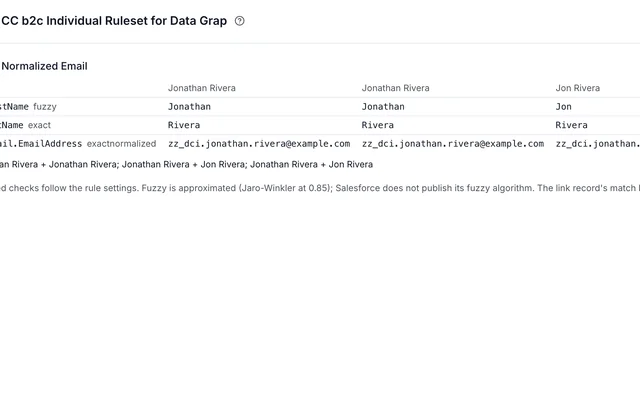 Match rules and missed matchesThe match rules next to the person's values, and people who probably should have merged.
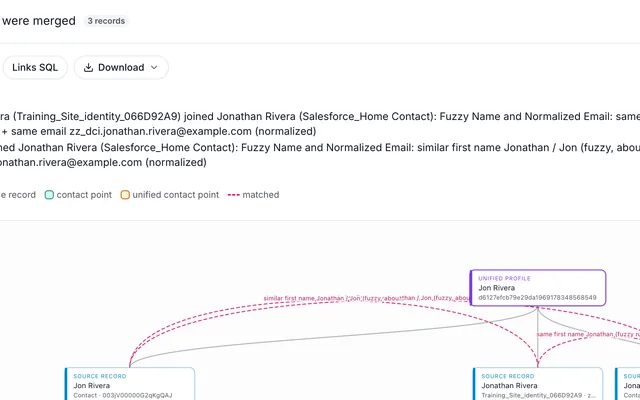 How they were mergedThe merge graph, and why each pair of records matched.
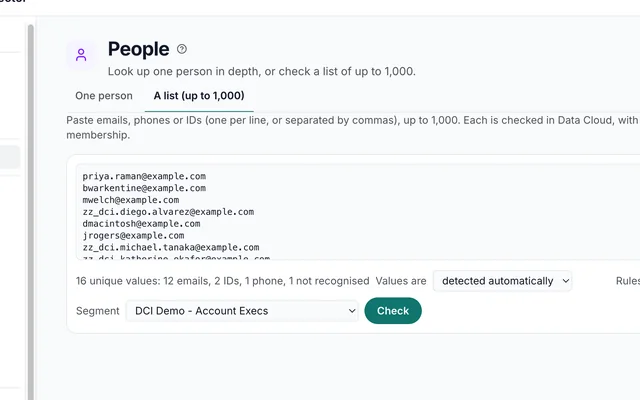 Bulk lookupUp to 1,000 emails, phones or IDs at once.
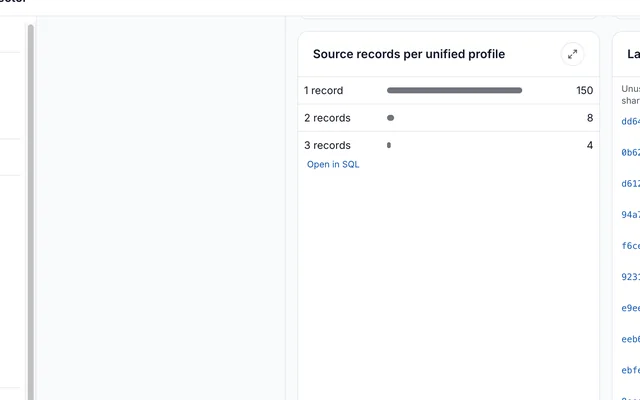 IdentityRulesets in plain words, consolidation rate, and two people side by side.
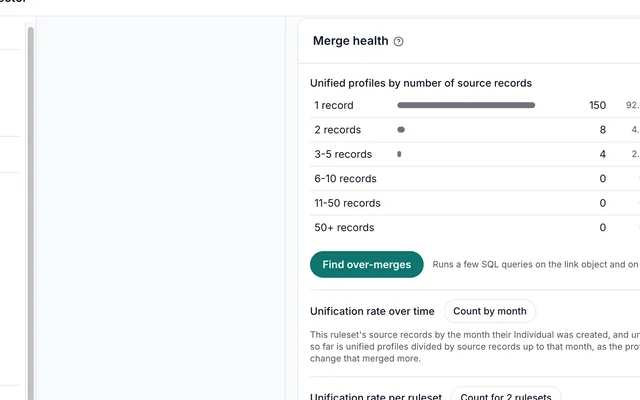 Merge healthProfile sizes, possible over-merges and unification rate.
Data pipeline
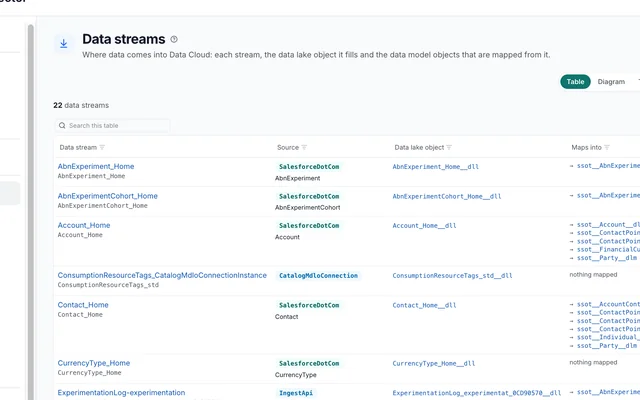 Data streamsLineage, schedule, record counts, problem records and field mapping.
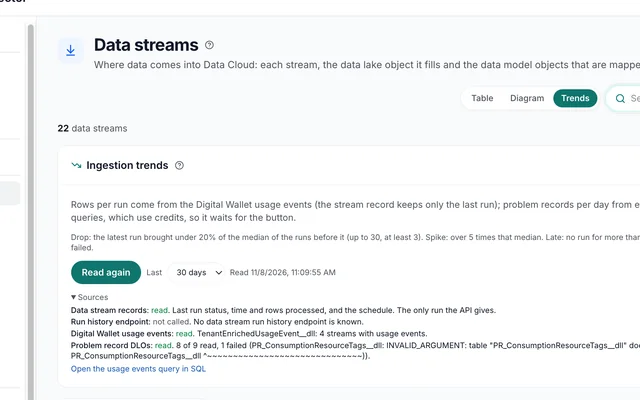 Ingestion trendsRows per run, with drops, spikes, late and failed runs.
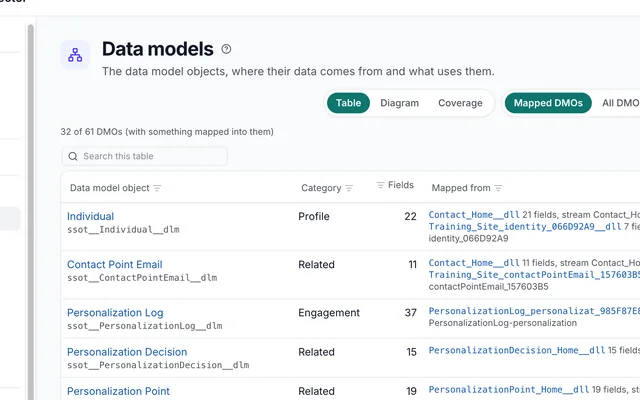 Data modelsThe data model as a diagram, and exports for Mermaid, draw.io and Excel.
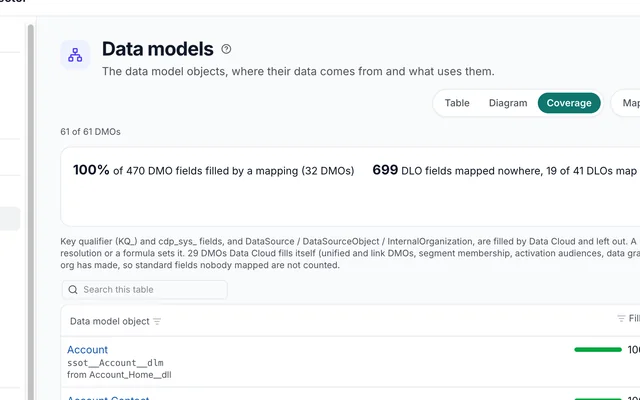 Mapping coverageLake object fields mapped nowhere, and model fields nothing fills.
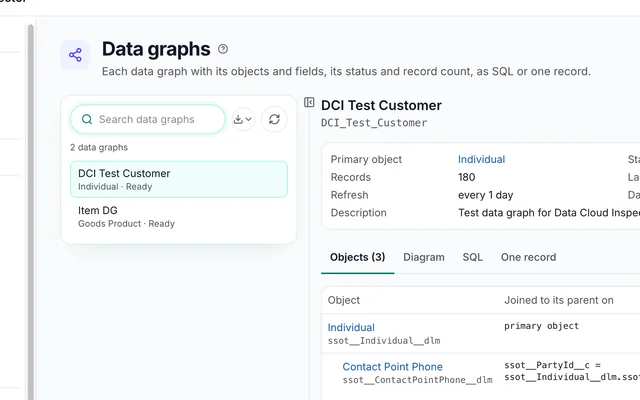 Data graphsObjects and joins, the graph as SQL, and one record's graph.
Segments and activation
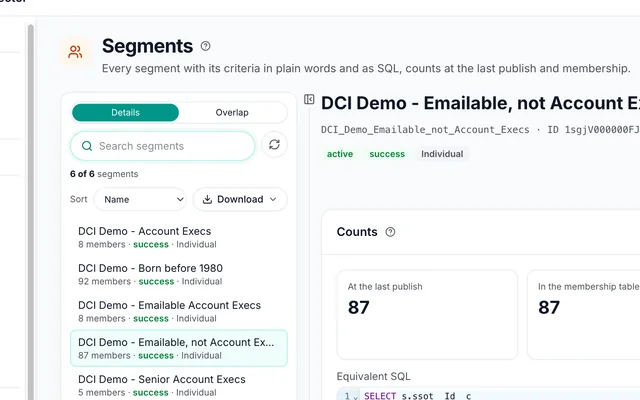 SegmentsCriteria in plain words, counts, equivalent SQL and publish history.
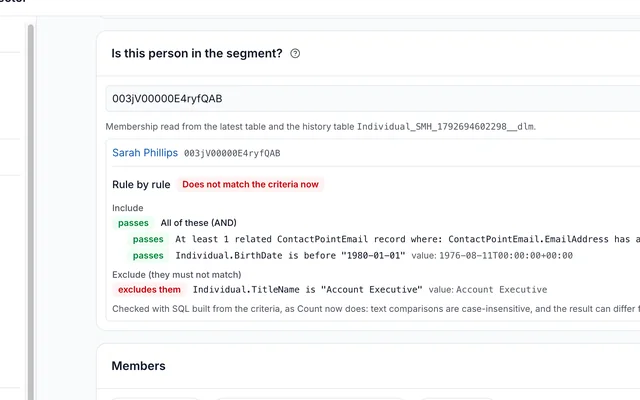 Why is this person in the segment?One person against a segment, rule by rule.
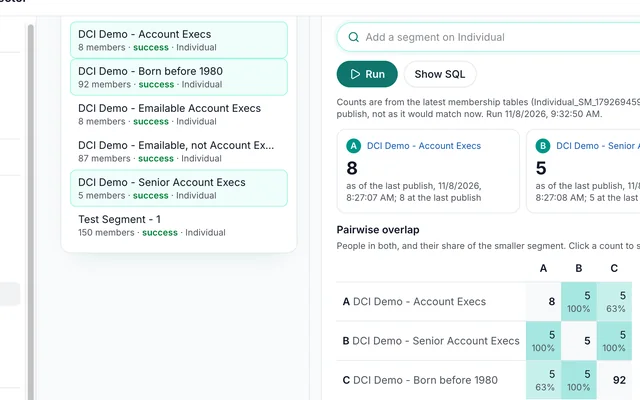 Segment overlap and costOverlap between segments, near duplicates and a credit estimate.
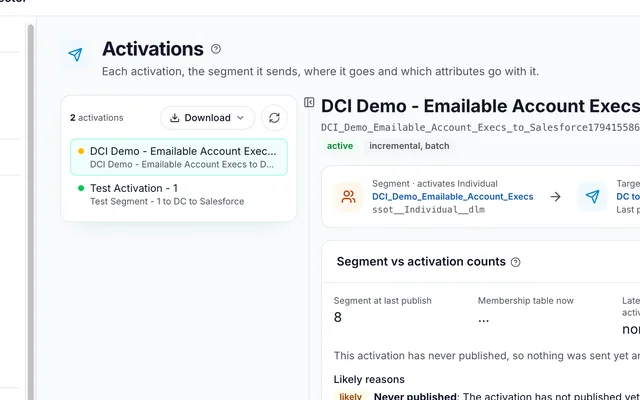 ActivationsAttributes, contact points, filters, and segment against activation counts.
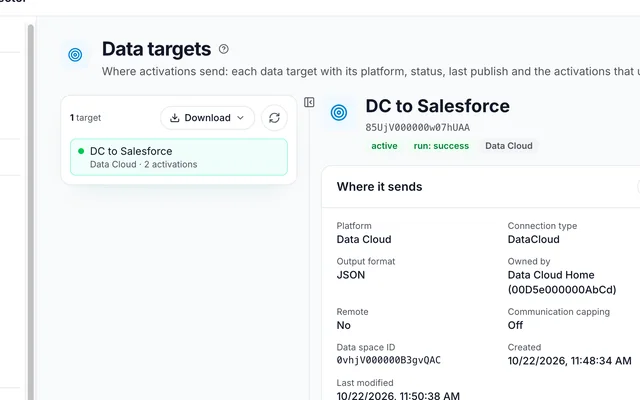 Data targetsEvery activation target, its errors and its audiences.
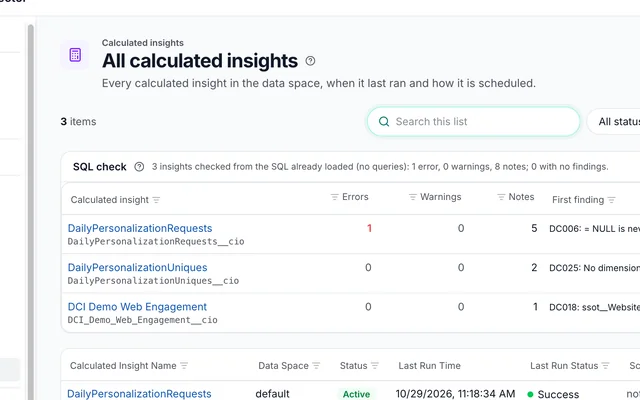 Calculated insightsThe insight's page, its SQL, its runs and credits per run.
Health and governance
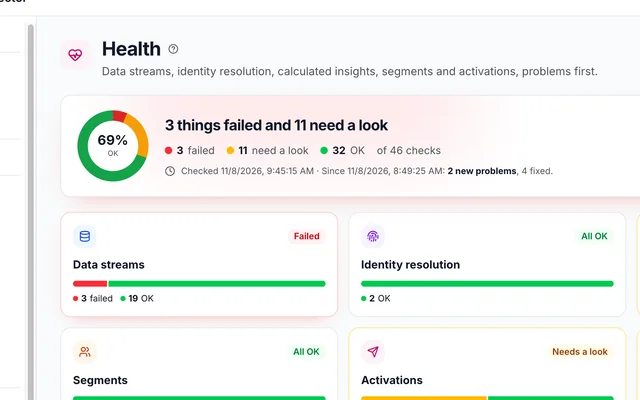 HealthProblems first, with reasons, what changed, and what you marked as expected.
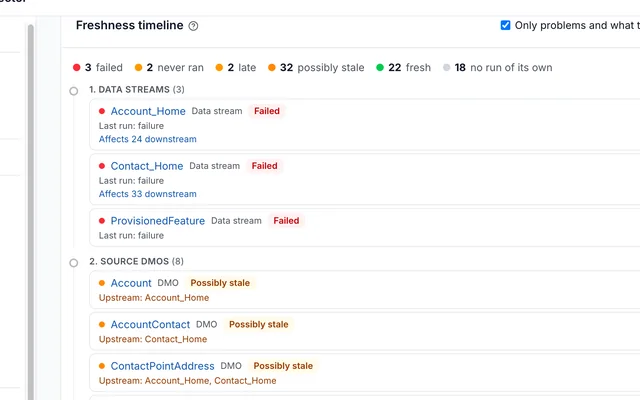 Freshness and consent coverageFreshness in dependency order, and personal data and consent coverage.
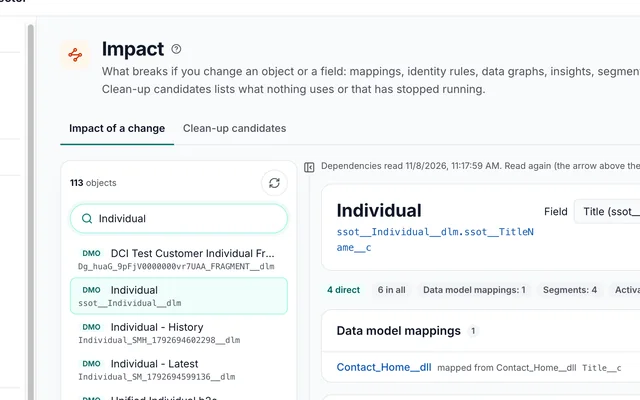 ImpactWhat breaks if you change an object or a field.
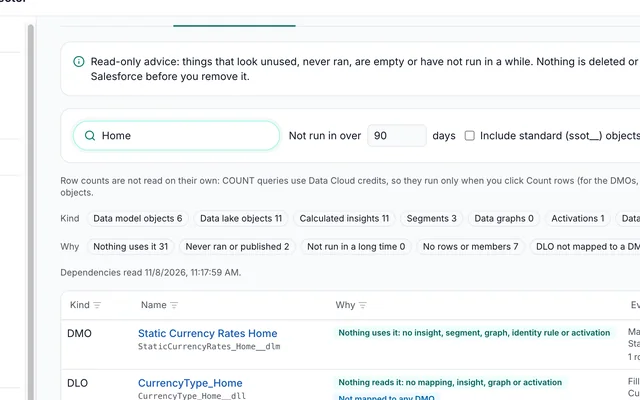 Clean-up candidatesWhat nothing uses, what never ran and what went quiet.
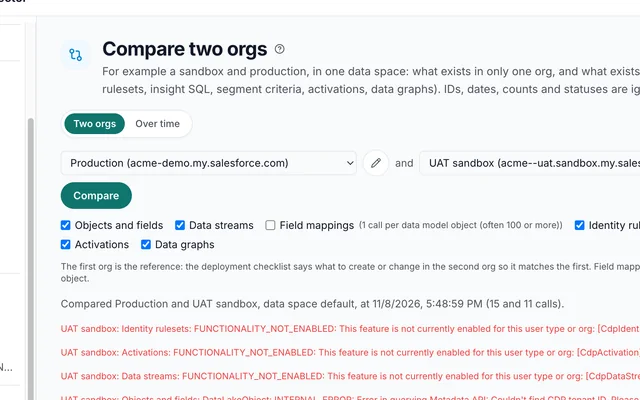 Compare two orgsSandbox against production, with a deployment checklist.
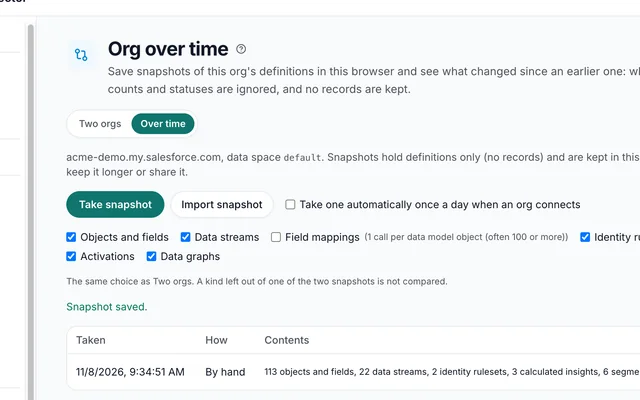 Compare over timeMetadata snapshots and what changed since.
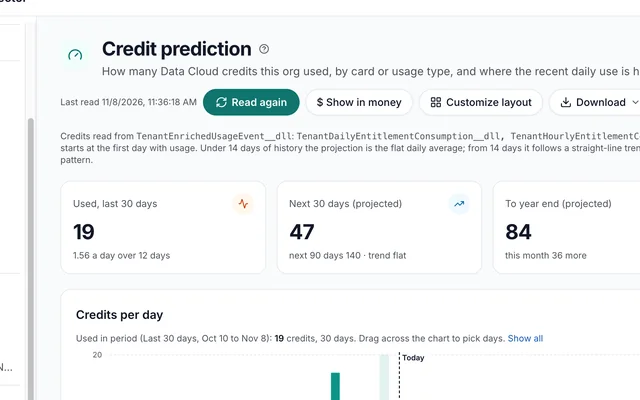 Credit predictionCredits by card, environment and resource, with a forecast.
Personalization and marketing
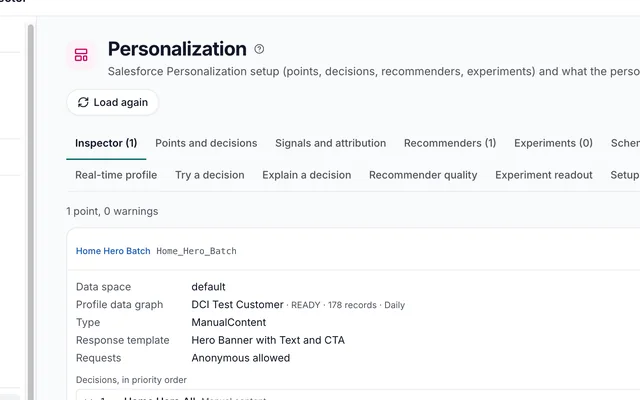 PersonalizationPoints, signals, the real-time profile and a setup check.
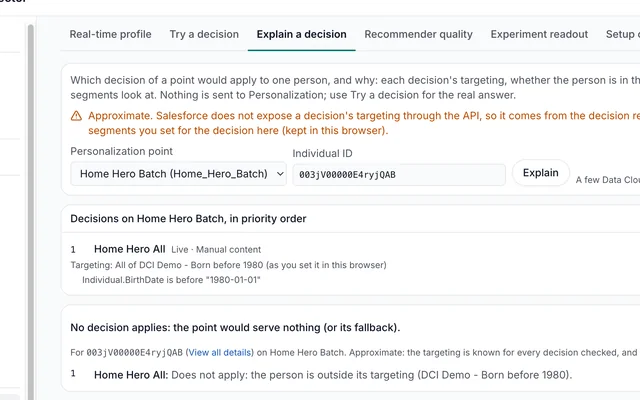 Personalization decisionsExplain a decision, try one, recommender quality and experiment readouts.
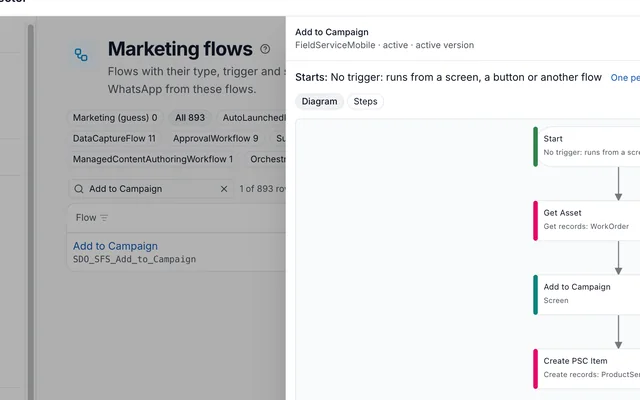 Marketing Cloud NextConsent, marketing flows and campaigns.
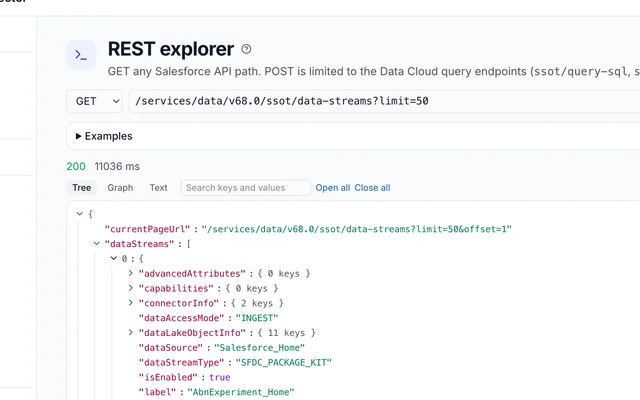 Toolbox and staying safeREST explorer, connection check, OAuth, administrator policies and downloads.
Read only by default
- Every call goes through one guard in the extension that allows reads and Data 360 SQL queries, which also only read.
- Two actions can change something: a Personalization decision test and Refresh now on a data stream. Both are off until you turn them on in Settings, and each use asks first.
- Your Salesforce session stays inside the extension and goes only to your own org.
- The source is public on GitHub under the MIT licence, with a security summary and a scan report for each release.